

 Download(318.13KB)
 5.2
5.2
 10.24MB
 Version
1.0
Version
1.0
 Updated on
January 24, 2025
Updated on
January 24, 2025
 Category
Communication and Social
Category
Communication and Social
 Size
318.13KB
Size
318.13KB
7.5
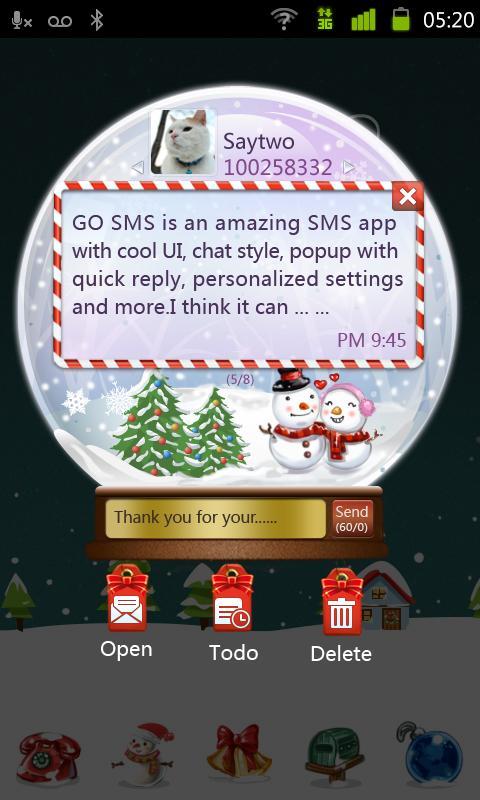
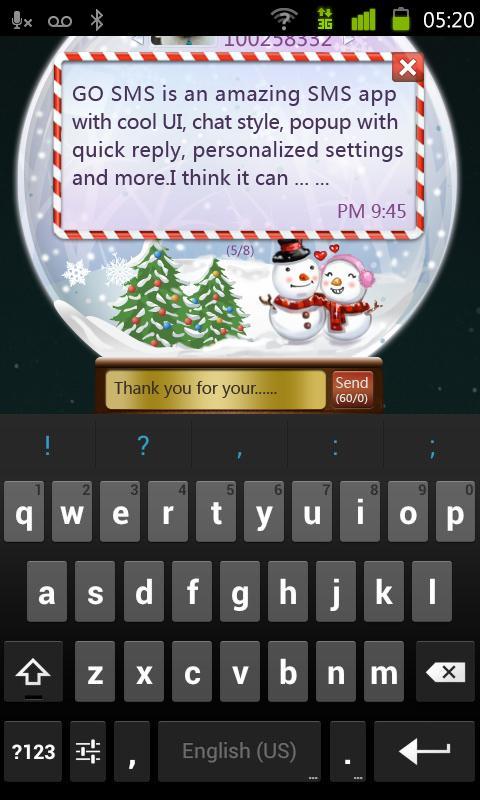
A popup theme designed by GO SMS Team.
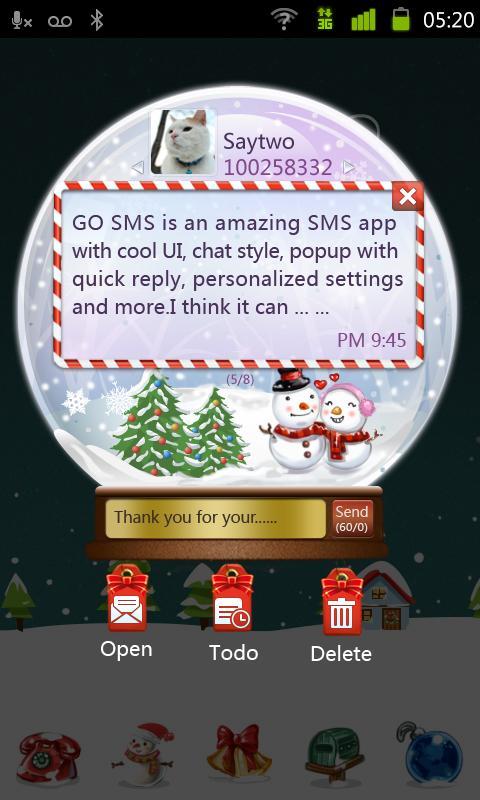
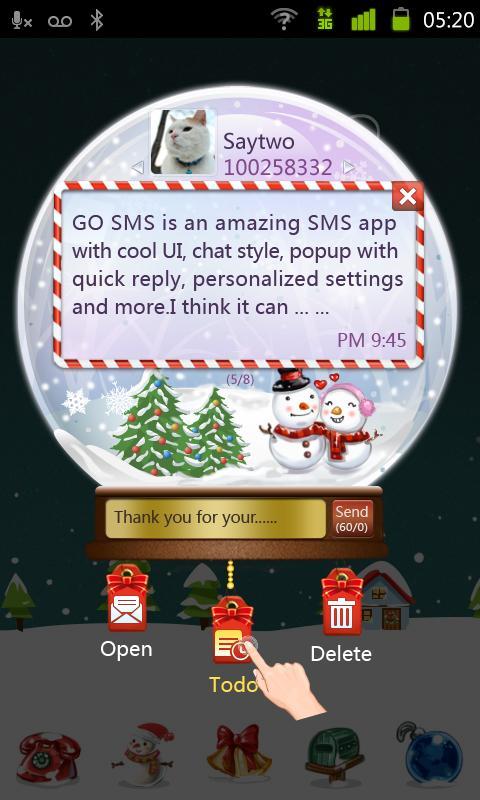
GO SMS Pro Snowlove Popup theme, a personalized GO Popup theme
designed for GO SMS Pro, is a new individual popup, with Full Screen, Cool UI, and supports animation interaction , recommend to you!
❤❤❤ How to use ❤❤❤
1. Download and install the Snowlove GO Popup
2. Open GO SMS Pro Theme Store - GO Popup - Click "Turn on". If you have turned on the GO Popup feature, just skip this step.
3. GO SMS Pro Theme Store - GO Popup - Installed page, choose the theme screeshot to apply. When receiving new message, then you will see the new GO Popup inteface.
Tips: Please make sure that you have installed GO SMS Pro V4.67 or above.
Copyright 2004-2012 3G.cn All Rights Reserved
Official blog:http://gosms.goforandroid.com
Feedback: [email protected]
 Similarity
January 22, 2026

January 22, 2026
January 21, 2026
January 21, 2026

January 21, 2026

January 20, 2026
January 20, 2026

January 20, 2026

January 20, 2026
January 20, 2026

January 19, 2026
January 19, 2026