


 Download(1.84MB)
 2.2
2.2
 5.82MB
 Version
2.12
Version
2.12
 Updated on
December 3, 2025
Updated on
December 3, 2025
 Category
Sports and Health
Category
Sports and Health
 Size
1.84MB
Size
1.84MB
9.4
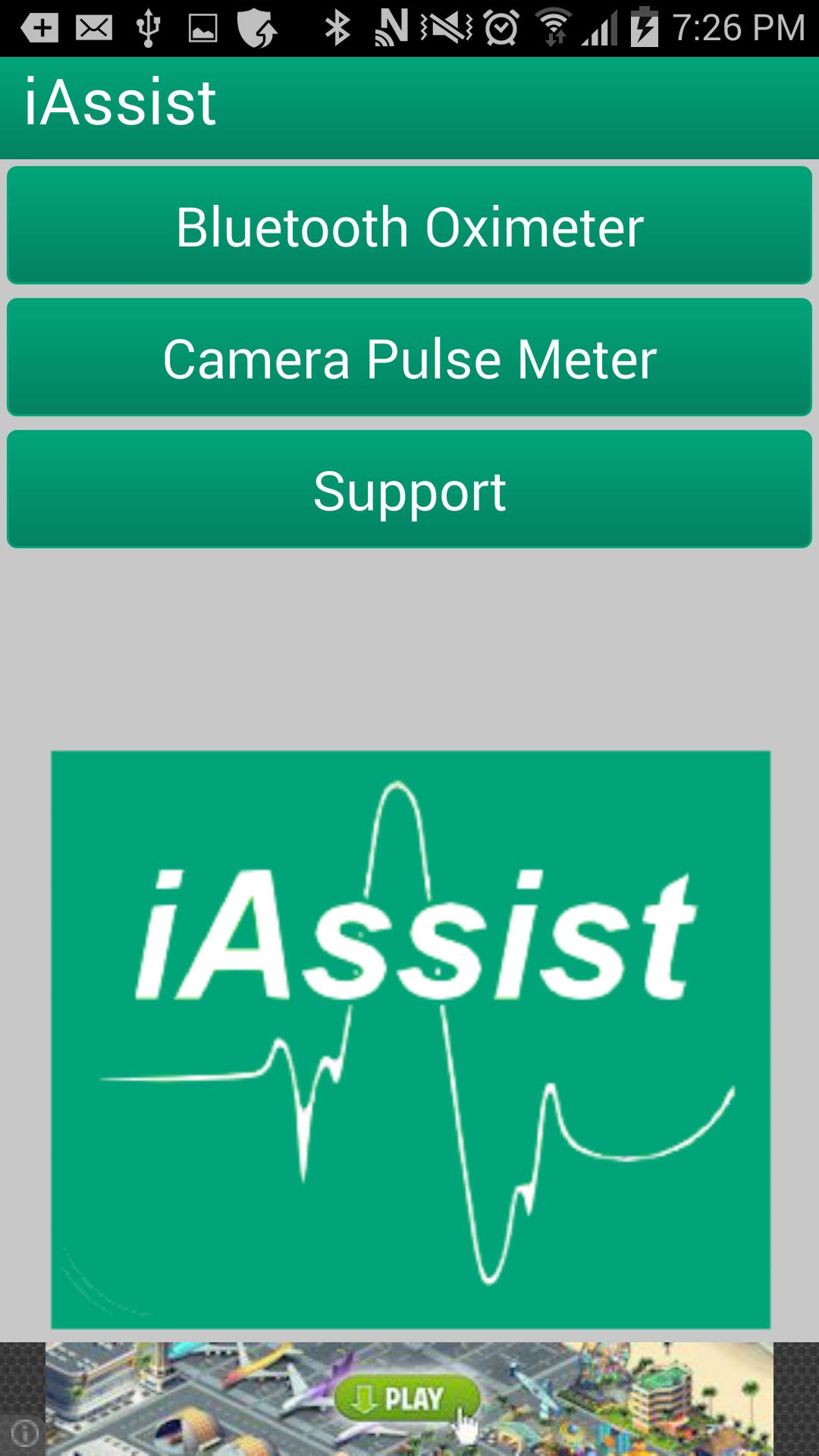
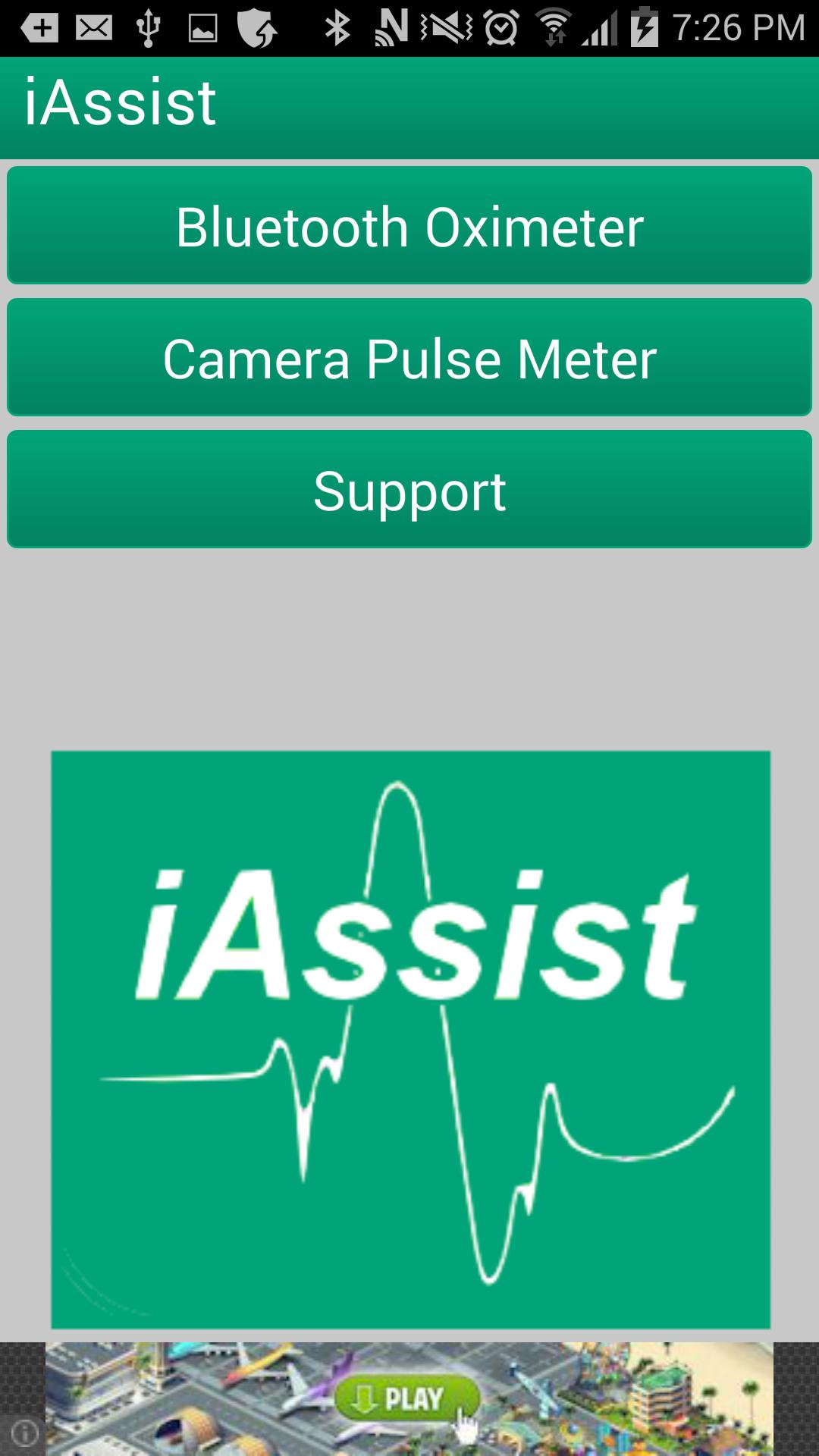
iAssist displays Pulse rate and oxygen level using Bluetooth Oximeter and Camera
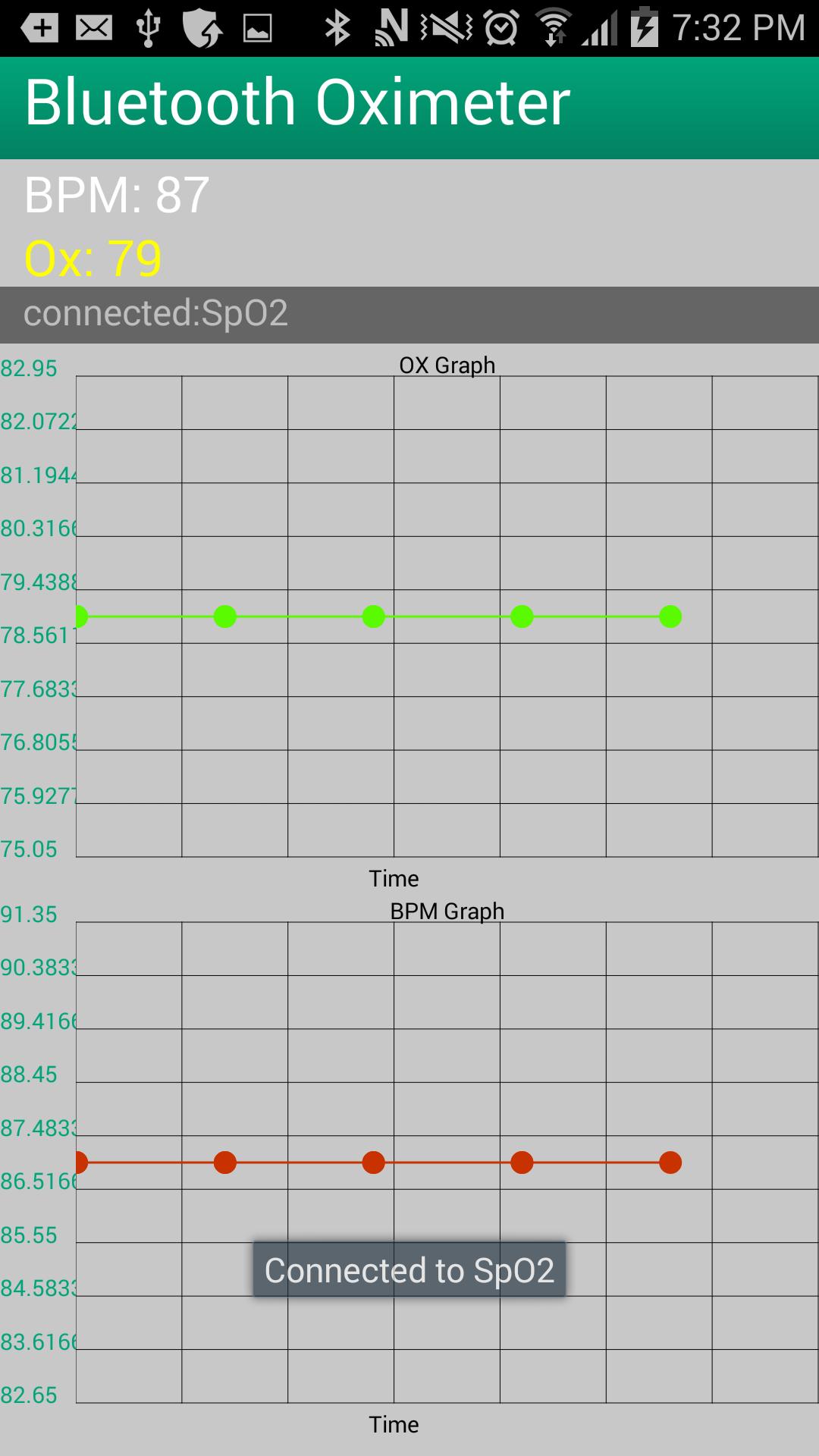
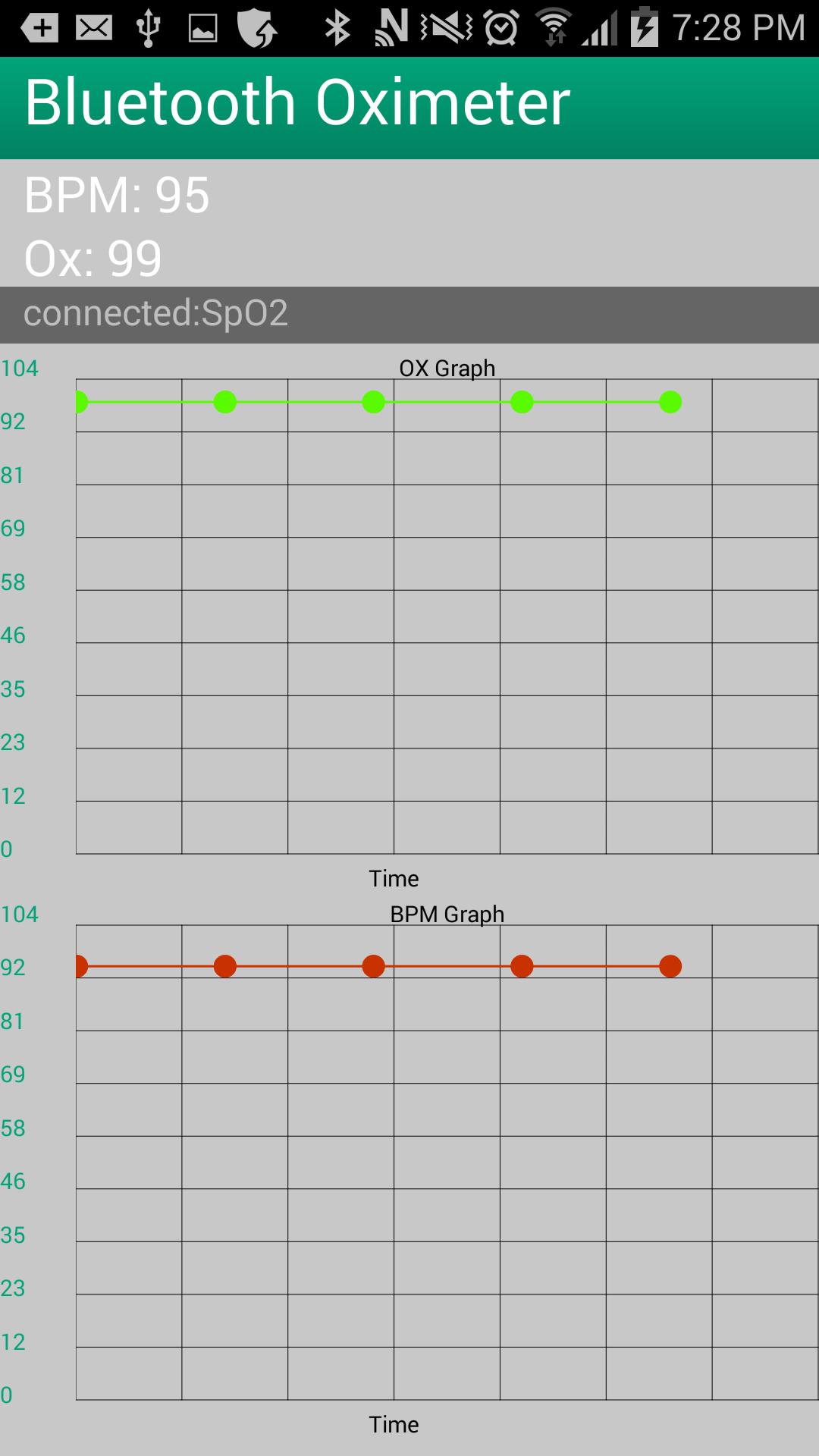
iAssist Bluetooth Oximeter records pulse oximeter measurements from an external Bluetooth pulse oximeter and displays the measured values.
* Pulse oximeter supports the Contec Bluetooth Wireless Fingertip Pulse Oximeter CMS-50EW
* Use 7762 pin for pairing to your phone
Instructions for bluetooth:
1) Enable your phone's Bluetooth
2) Enable your oximeter wireless/Bluetooth
3) Put your finger in oximeter
4) Tape on Magnifying glass icon and select SpO2
5) Enter 7762 pin code ( First time only )
6) Now you should get the values on your phone
The connection to phone will get disconnected due to oximeter saving energy feature after a minute.As the result, the values don't get updated.The work around this is to disable Bluetooth on your oximeter and then repeat steps 2-4 again.The app should show the disconnected message before performing steps 2-4.
Instructions for camera:
1) Put your finger on back camera
2) Wait for 5-20 seconds till the app to show the green check
Notes:
This App is developed by one person and it doesn't have the funding of major companies.The app has not been updated due to lack of time and resources.As a result it may not work with new devices.
I have a plan to update it so stay tuned for the update.
 Similarity
January 22, 2026

January 21, 2026
January 21, 2026
January 21, 2026

January 21, 2026
January 21, 2026

January 21, 2026
January 21, 2026

January 21, 2026
January 20, 2026
January 20, 2026
January 20, 2026