

 下載(10.61MB)
 1.2
1.2
 50MB
50MB
 版本
1.0.4
版本
1.0.4
 更新日期
December 31, 2025
更新日期
December 31, 2025
 類別
實用工具
類別
實用工具
 大小
10.61MB
大小
10.61MB
9
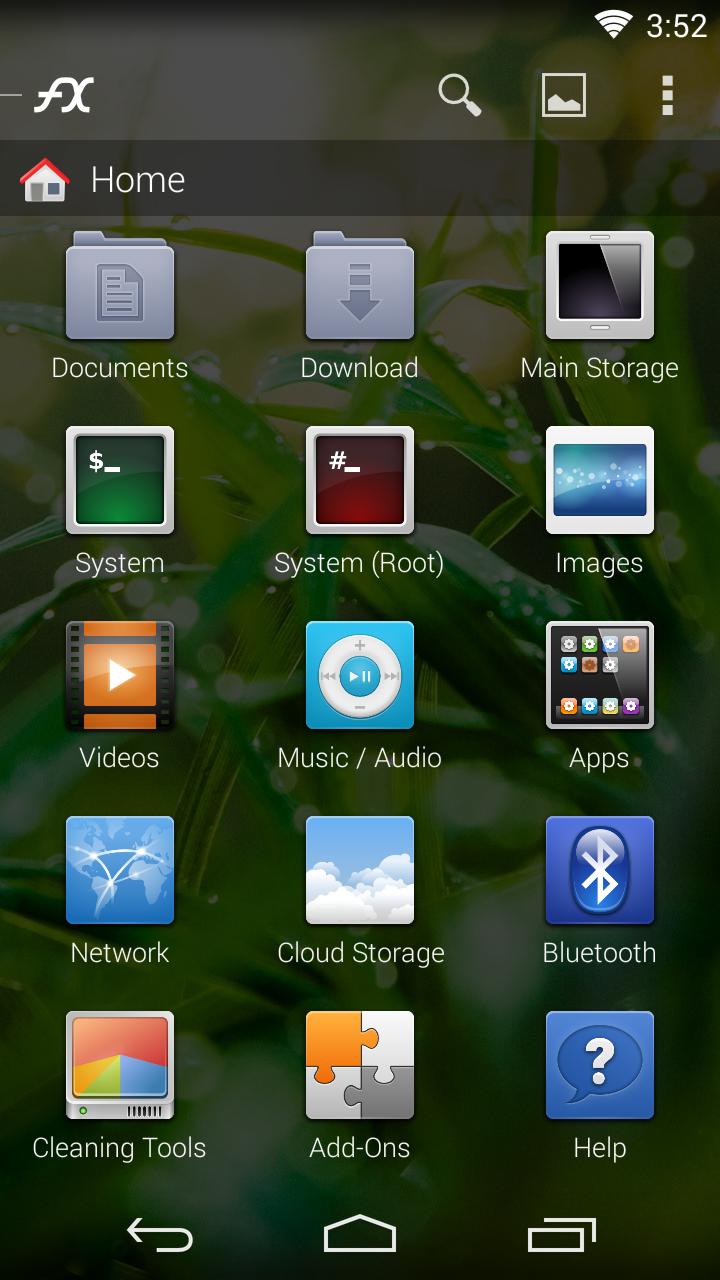
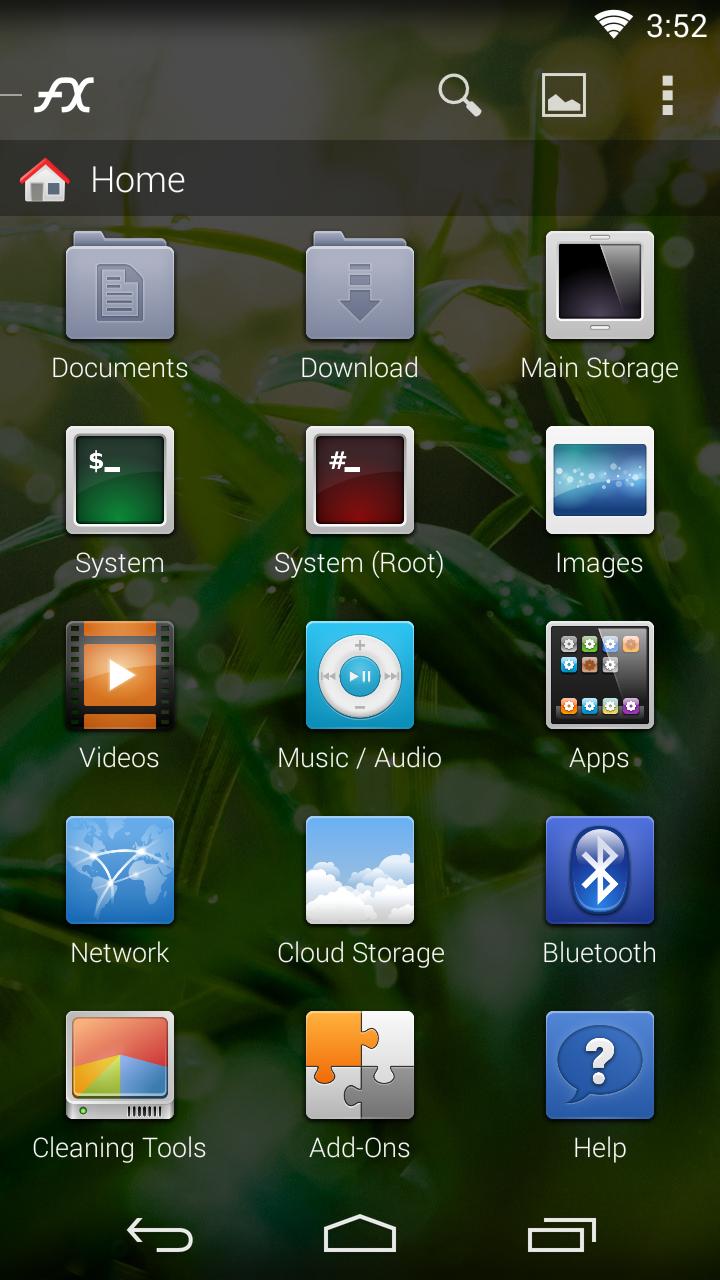
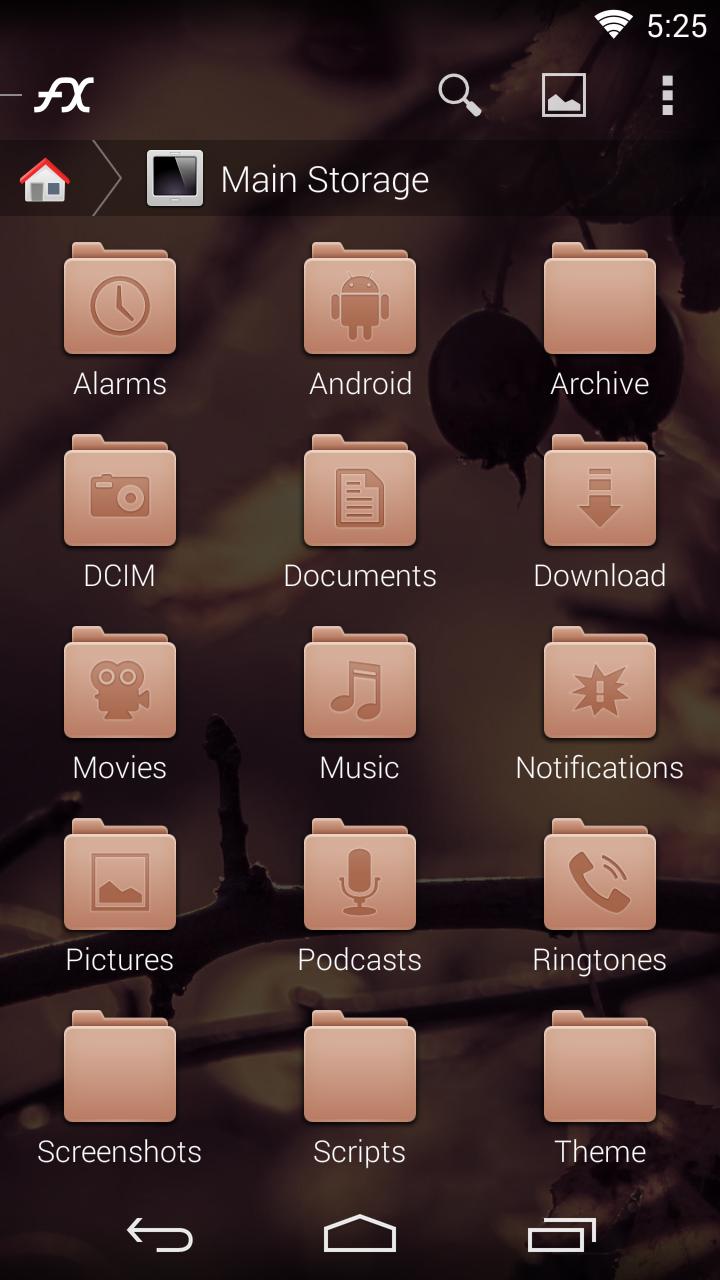
FX File Explorer的Faenza圖標:FX+的一組高清圖標。
FX File Explorer的Faenza圖標主題:FX+的一組高清圖標集。
您必須具有FX File Explorer 3.1(或更高版本) *和 * FX Plus使用圖標主題。主題還將與FX Plus免費7天試用版一起使用。
在此處下載FX:https://play.google.com/store/apps/details?id=nextapp.fx
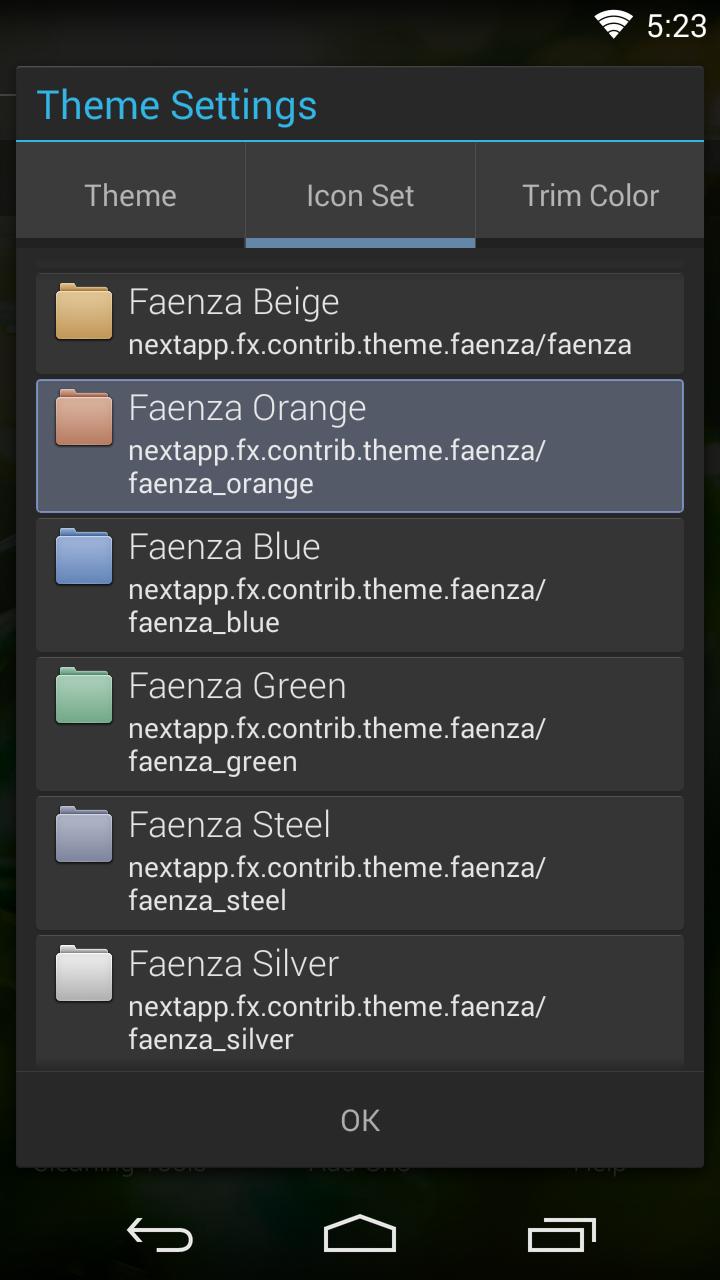
該應用程序不會在啟動器中添加圖標:要使用此主題,打開FX,點擊視圖菜單(右側第二),點擊“主題”。選擇“圖標集”選項卡,然後選擇“ Faenza”選項。要卸載FX主題,請使用主屏幕上的FX的“附加組件”選項,或訪問設備的設置,然後訪問“應用程序”部分。
FX+的Faenza圖標主題是根據GNU通用公共許可證分佈的。 (請注意:此許可僅適用於此圖標主題包)。包括SVG圖標在內的來源可在此處提供:http://android.nexpapp.com/fx/theme/faenza/r1/fx-theme-faenza_src_r1.tgz您可以使用此源來構建衍生主題,或作為如何為FX+創建自定義主題的示例。
 類似推薦
類似推薦
January 22, 2026

January 22, 2026
January 22, 2026

January 22, 2026

January 22, 2026

January 21, 2026

January 21, 2026
January 21, 2026
January 21, 2026
January 21, 2026
January 20, 2026
January 20, 2026